![How to Make A Game Art Portfolio [Guide for 2d & 3d Artists]](https://revolgames.s3.us-east-1.amazonaws.com/assets/Feature-24-1766583214-4190.jpg)
The biggest obstacle to getting hired is a confusing portfolio. Your game art portfolio is the first thing a recruiter sees. It must immediately prove your technical skills and how creatively you solve visual problems.
Aspiring artists often include too much work. US game development studios do not want quantity. They need a curated portfolio that communicates professional ability at a glance. Recruiters skim. They spend just a few seconds on the initial scan. This means your presentation and layout matter as much as the art itself.
This guide shows you “how to make a game art portfolio” that commands attention. You will learn the key components for both 2D and 3D work. We also give presentation tips to make your portfolio stand out. By the end, you can create a portfolio that gives recruiters the clarity they need to hire you.
What is the Purpose of a Game Art Portfolio? [Importance]
A strong game art portfolio is the most crucial asset for landing a role. It is the single piece of content that effectively demonstrates your technical proficiency and potential fit with a studio’s needs.
- First Impression: A portfolio is often the very first thing hiring managers review. HR survey for 2025 shows recruiters review portfolios longer than resume which is nearly 6-10 seconds.
- Demonstrates Skills: A resume only tells what you can do. A study on ePortfolios found that a strong portfolio accounts for at least 75% of the hiring decision weight for artists.
- Shows Process: Through process breakdowns and project notes, it reveals how you approach design challenges and explore ideas.
- Indicate Fit: Your game artist portfolio shows whether your artistic style aligns with a studio’s projects and their visual direction.
- Professional Tool: A well-organized portfolio suggests reliability and dedication. It helps candidates highlight their best projects and communicate a professional narrative.
What Are the Components of a Strong Game Art Portfolio?
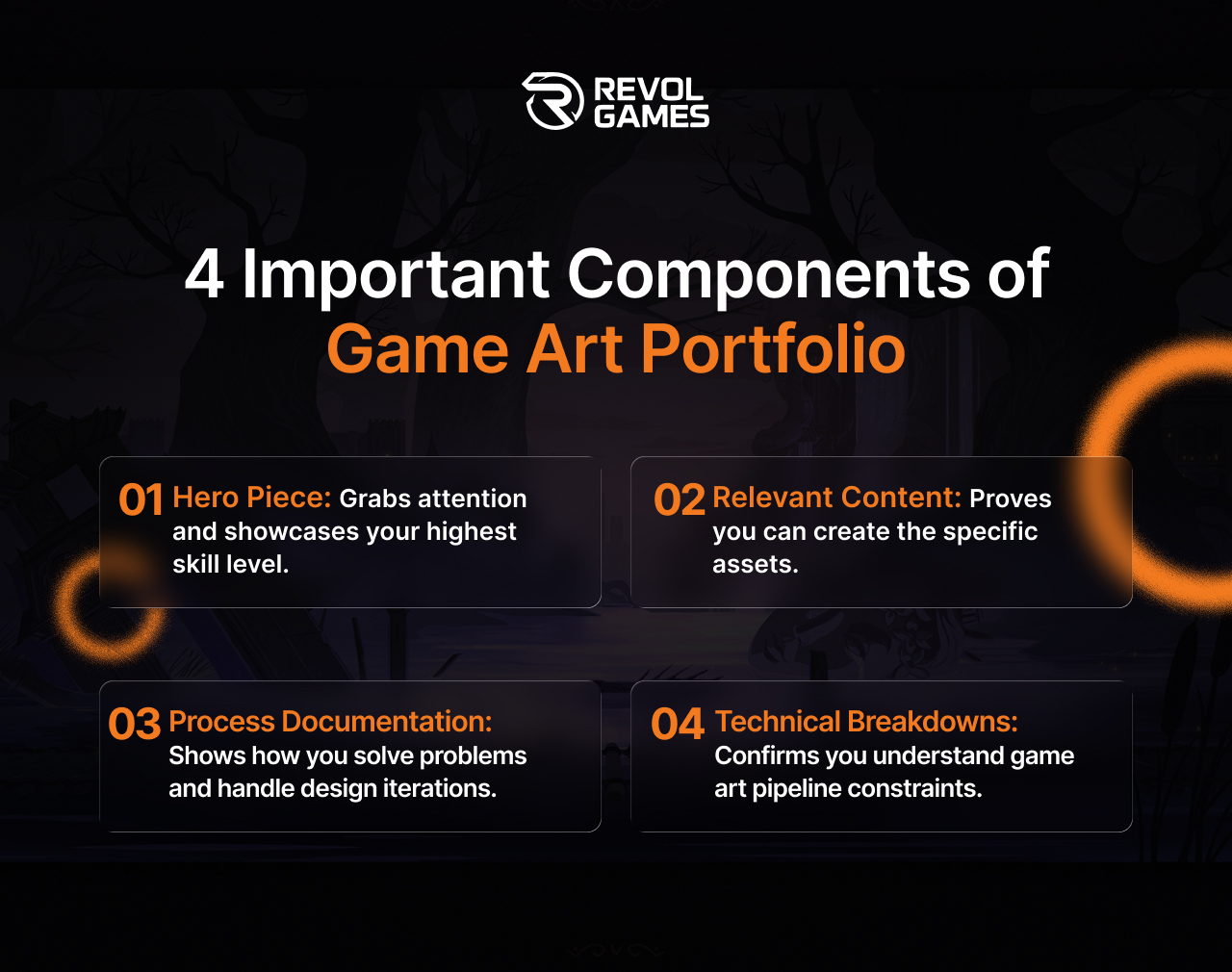
A strong game art portfolio curates a selection of work that shows both artistic skill and professional process. It focuses on quality over quantity to deliver a professional presentation supported by detailed technical documentation.
Here is your necessary component checklist.
Quality over Quantity
You must only include your best work. This sounds simple, but many artists include too much average work. Analysing strong game art portfolio examples shows that a few exceptional pieces are far more effective than many mediocre ones. The weakest piece in your collection sets the standard for the entire portfolio.
Workflow Transparency
Hiring managers want to see how you work, so show your problem-solving skills and professionalism. Curate your portfolio with quick thumbnails, rough sketches, initial blockouts, and call-out sheets alongside the final render. This is called workflow transparency.
Process Documentation
These breakdowns translate your thought process, essential for 3D game art portfolio submissions. Documentation shows you can communicate your ideas clearly to a team.
Presentation and Storytelling
The portfolio presentation is part of your work. Use your portfolio to tell a story about your projects and case studies. This often involves showing multiple assets working together in a final scene.
Technical Polish and Consistency
Every asset must demonstrate a high degree of polish that adheres to production standards. This includes showcasing wireframes and polygon counts for 3D assets. The final portfolio should have visual consistency across all pieces or project groupings.
How to Make a Game Art Portfolio?
Creating a game art portfolio involves a step-by-step process of defining your goals, curation, and professional presentation. The structure must be simple and easy for a recruiter to scan. Follow this sequence to maximize your chances of success.
1. Define Your Focus
The most common beginner mistake is being too broad. You need a clear target. Identify the specific role, such as character artist or environment artist. Then, research the style of the companies you are targeting.
2. Select Your Best Work
Include only your strongest 10–15 pieces for better quality over quantity. Start with your hero piece to immediately grab attention. Remove older or less polished work that no longer reflects your current skill level.
3. Curate for Relevance
Ensure every piece aligns with the role or studio style. A high-quality but irrelevant piece may dilute the portfolio. Short yet focused collections are more effective than a long, inconsistent one.
4. Document Your Process
A summary of your decision-making process provides insight into your problem-solving skills.
For each piece, include a brief description explaining your goals and technical specifications. Writing this information is much like preparing a game design document.
Choose Platform
Presentation matters as much as content because it reflects your professionalism. Use the right platform. ArtStation is the industry standard, but personal websites can work, too. Research the studios you’re applying to and present work that matches their style and expectations.
Set Your Portfolio Layout
Your portfolio layout must be clean and intuitive. If your focus is on mobile games you should check if your presentation aligns with the needs of specialized mobile game development services. Check your thumbnails for readability at small sizes. Clearly state your specific contributions if you are showcasing group or collaborative work.
Final Review
The final step is the critical review before submission. Check all links to ensure they are active. Confirm your portfolio layout is consistent and visually pleasing. Reviewing game art portfolio examples from successful applicants will clarify how clean your submission needs to be.
2D vs 3D vs Specialized Game Art Portfolios
The core difference in your portfolio comes down to your specialization. You must choose a focus, whether it is 2D concept art, 3D character art, or a technical niche like VFX. This choice dictates the specific assets you include and how you present the technical details.
| Specialization | Primary Asset Focus | Technical Validation Required |
| 2D Concept Art | Concept Art, Silhouettes, Icons, Color Scripts | Focus on design iteration, communication, and clear composition. |
| 3D Character Art | Character Art, Prop Art, Rig-Ready Assets | PBR workflow, clean topology, UV mapping, and polycount. |
| Specialized (VFX, Tech) | Particle Systems, Shaders, Tools, Lighting | Engine proficiency (Unity/Unreal), scripting, and technical breakdowns. |
2D Game Art Portfolio Requirements
A strong 2D game art portfolio showcases your creative design ability and fundamental artistic skills. Recruiters look for artists who can communicate visual ideas clearly and quickly.
- Quick List of Must-Haves: Include finalized concept art pieces for characters or environments. You should also feature prop art sheets, icons, and visual texture painting examples. Paintovers showing how you refine 3D blockouts are highly valued production skills.
- Design Focus: Include silhouettes and rough sketches to show your early design thinking. Color scripts or mood boards prove you understand overall composition and atmospheric direction. This demonstrates comprehensive design iteration.
- Example Recommendations: A full set of UI icons for a mobile game design or a prop art sheet showing five variations of a single weapon are excellent ways to show production value.
3D Game Art Portfolio Requirements
The 3D game art portfolio prioritizes technical correctness alongside artistic quality. Show that your models are functional and optimized. The focus shifts heavily toward validating your knowledge of the production pipeline.
- PBR Workflow and Texturing: You must demonstrate mastery of the PBR workflow (Physically Based Rendering). Show how you use industry tools like Substance Painter to create realistic or stylized materials.
- Modeling and Optimization: Showcase clean topology by including wireframes next to your final renders. A low polycount optimized for game engines is crucial. Show the UV mapping process, confirming efficient layout and appropriate texel density.
- Rigging and Animation. Presenting strong 3d animation work is essential for many character roles. Show that your model is a rig-ready asset by including a turntable that validates the model’s form from all angles.
- Baking: Your breakdowns should include images demonstrating the baking process, showing how high-resolution details are transferred to the low-resolution game-ready assets. This step confirms your understanding of real-time rendering.
Tired of confusing specialization guides? RevolGames simplifies your 2D and 3D career direction.
Resources for Building a Game Art Portfolio
You can’t build your portfolio in a vacuum. Effective use of existing student resources and feedback communities accelerates your development and ensures pipeline alignment.
Tools and Tutorials for Skill Mastery
Mastering current industry tools is non-negotiable for game artists. Demonstrating knowledge of the latest software is a quick way to signal professionalism.
- Game Engines: Showing your assets within Unreal Engine or Unity proves you understand a game-ready context. You must include in-engine shots, not just renders.
- 3D Software: Proficiency in modeling and sculpting tools is essential. List specific experience with 3d game software like ZBrush, Blender, or Maya.
- 2D Software: Mastery of tools like Adobe Photoshop is standard for concept art and texture painting. Finding targeted tutorials on techniques like hand-painted textures or PBR texturing is key.
- Version Control: Familiarity with GitHub or Perforce shows you can handle file management and collaboration within a studio setting.
Communities and Critique Groups
The fastest way to improve your game art portfolio is through consistent, actionable feedback. You need an honest critique from experienced professionals.
- Feedback Communities Platforms like ArtStation and dedicated Discord servers host critique groups. Seek out senior artists for targeted reviews of your hero piece.
- Reference Boards: Create reference boards (e.g., on PureRef or Pinterest) for every project. This shows recruiters the context and visual direction you used to inform your design. Consider how your visuals support the game mechanics.
- Sample Files Look for high-quality, free sample files and tutorials on platforms like Gumroad or CubeBrush. Reverse-engineer professional assets to understand topology and UV mapping. This provides invaluable student resources for self-teaching.
Where to Host Your Game Art Portfolio?
Your hosting platform defines your presentation and accessibility. The right choice depends on whether you prioritize maximum domain credibility or complete customization. Always ensure your platform supports easy mobile viewing.
| Platform | Pros | Cons |
| ArtStation | Industry standard, high domain credibility, excellent for tagging and quick filtering by recruiters. | Limited design freedom, high competition, requires strong thumbnails. |
| Personal Website | Complete control over branding and portfolio layout signals high professionalism. | Requires more setup time, needs a strong design foundation, and must pay for a domain. |
| Behance | Good for showcasing concept art and wider creative projects. | Less recognized by specialized game art recruiters, a low pipeline alignment signal. |
Common Portfolio Mistakes to Avoid
Portfolios often get rejected because of easily fixable errors in judgment or technical presentation. Recruiters quickly dismiss portfolios that lack professional polish or demonstrate a flawed understanding of the production pipeline.
Avoiding these common mistakes will significantly improve your submission.
- Showing Unfinished Work: Never include projects that are only 80% complete. Unfinished work suggests a lack of follow-through and commitment to quality.
- Poor Lighting or Presentation: Your presentation is part of the art. Poor lighting on renders or inconsistent camera angles distracts from the true quality of your model. Invest time in setting up professional lighting and presentation shots.
- Inconsistent Style: If you include vastly different styles, separate them clearly into dedicated sections. Inconsistent style confuses recruiters about your true specialization.
- Low Resolution or Clutter: Using low-resolution images or overly cluttered pages makes it hard for reviewers to assess technical quality quickly. Your thumbnails must be sharp and clear on every device.
- Irrelevant Pieces: Do not include old logos, photography, or personal drawings unrelated to the gaming industry. These irrelevant pieces dilute your focus and suggest a lack of clear career direction.
- Missing Technical Details: For 3D, failing to show wireframes or polygon counts is a critical error. It signals a lack of production knowledge and pipeline alignment.
Tips for Aspiring Game Artists’ Portfolio
The best thing you can do for your career is treat your portfolio as a dynamic professional tool, not just a gallery. Adopt these habits to signal professionalism and continuous improvement to recruiters.
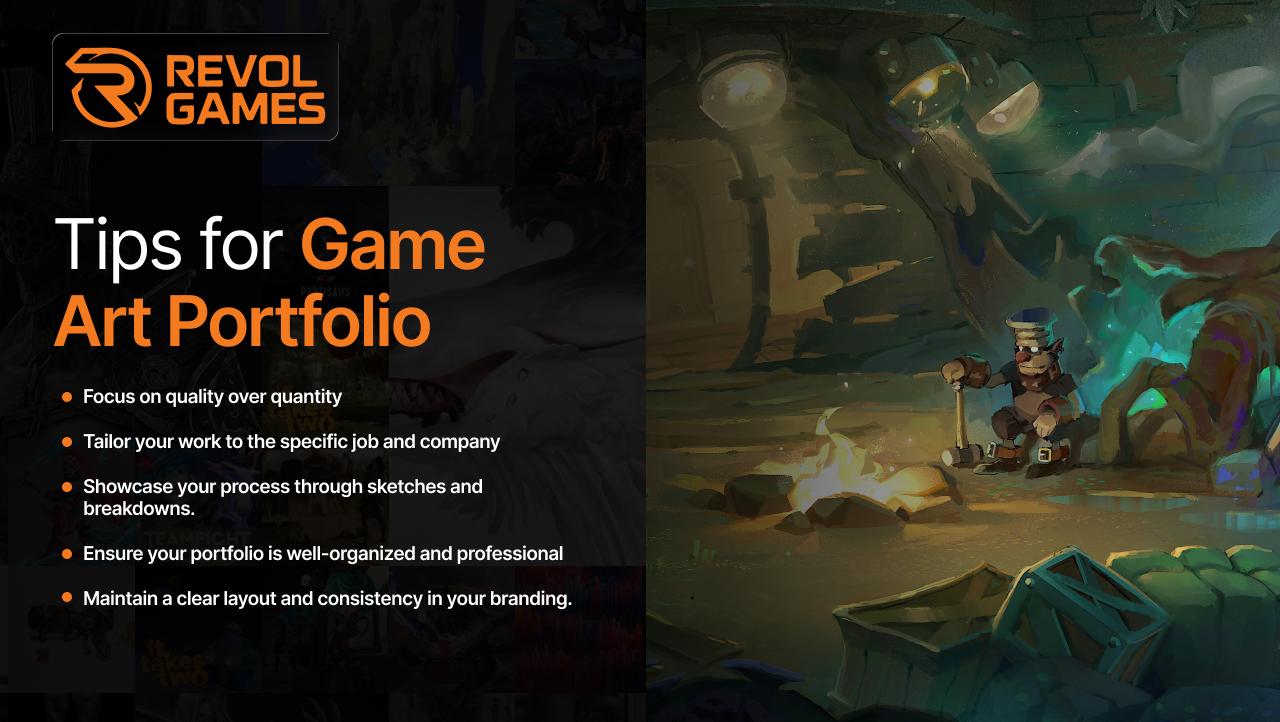
- Prioritize the Call-to-Action: Your contact information is your final call-to-action. Ensure your professional email links are active and easy to find on every page. Never make recruiters search for a way to hire you.
- Maintain High Update Frequency: Your portfolio must show continuous growth. Update it every few months with new pieces to reflect your current skill level. This high update frequency signals dedication.
- Active Feedback Loops and Networking: Actively seek formal portfolio feedback from an art director or experienced mentor. Attend virtual or local events for networking opportunities.
- Optimize Professional Presence: Your LinkedIn profile should link directly to your game art portfolio. Use your portfolio as the primary source of truth for your work experience.
- Include ATS-Friendly Details: Ensure your technical breakdown includes ATS-friendly details like specific software names (Substance Painter, Unreal Engine) spelled out clearly. This helps tracking systems index your skills correctly.
- Tailor and Target. Always check that your work aligns with the studio aesthetic and the specific job posting you are targeting. Customizing the front-loaded hero piece for each application is highly effective.
Conclusion
Building your game art portfolio is a systematic journey that we have broken down into clear steps. We established that your portfolio is your primary tool for job success, emphasizing quality over quantity.
The difference between portfolio improvement and stagnation lies in technical validation (wireframes, PBR workflow) and professional presentation. At RevolGames, our game art services eliminate the guesswork and help you meet high US studio hiring standards.
Ready to turn learning into hiring. Maximizes your portfolio impact with the technical optimization services of RevolGames
Frequently Asked Questions
Prioritize a curated selection of your best work that is relevant to the job you want. Include a hero piece, technical breakdowns like wireframes, and process documentation. Focus on game-ready assets and professional presentation for portfolio tips.
You can include one or two exceptional pieces of fan art to show passion and skill, but your portfolio must heavily feature original work. Recruiters need to see your ability to solve original design problems, not just copy existing IP. Use original pieces to demonstrate your unique artistic voice.
Start by removing your oldest or weakest pieces, then seek feedback from industry professionals. Use critique to iterate and update your work with modern technical standards like the PBR workflow. Continuously add high-quality, focused projects to your portfolio for game studios USA.
The art depends entirely on the role you are seeking. A 2D game artist portfolio needs icons and concept sheets. A 3D game art portfolio needs game-ready assets with technical documentation. Your art must align with your desired specialization.
Related Posts
Benefits of Outsourcing Game Art for Indie Developers
- Posted by admin on May 6, 2026
- Category : Art & Design
Over the last year, production costs in the gaming industry have climbed dramatically, and even AAA studios are feeling the…
How to Make A Game Art Portfolio [Guide for 2d & 3d Artists]
- Posted by admin on December 22, 2025
- Category : Art & Design
The biggest obstacle to getting hired is a confusing portfolio. Your game art portfolio is the first thing a recruiter…
Guide to Video Game Character Design [Process & Tools]
- Posted by admin on November 20, 2025
- Category : Art & Design
An explanatory guide to video game character design. Learn all the steps involved in each phase and the tools to…